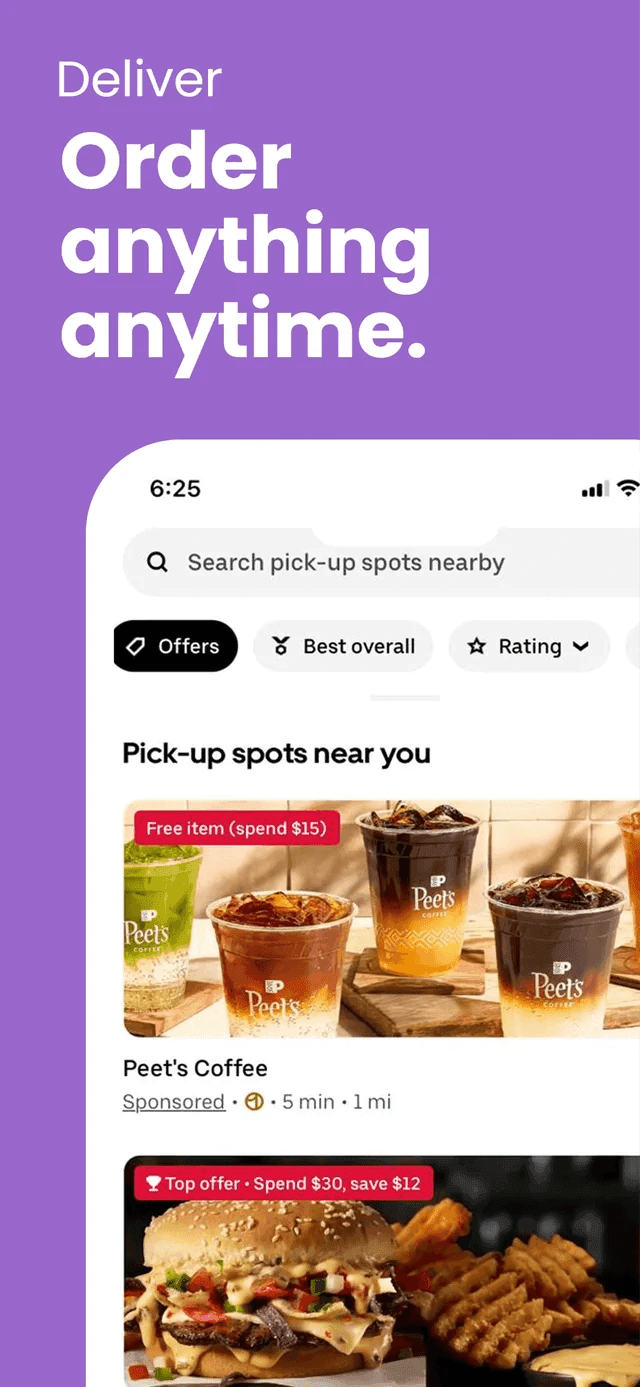
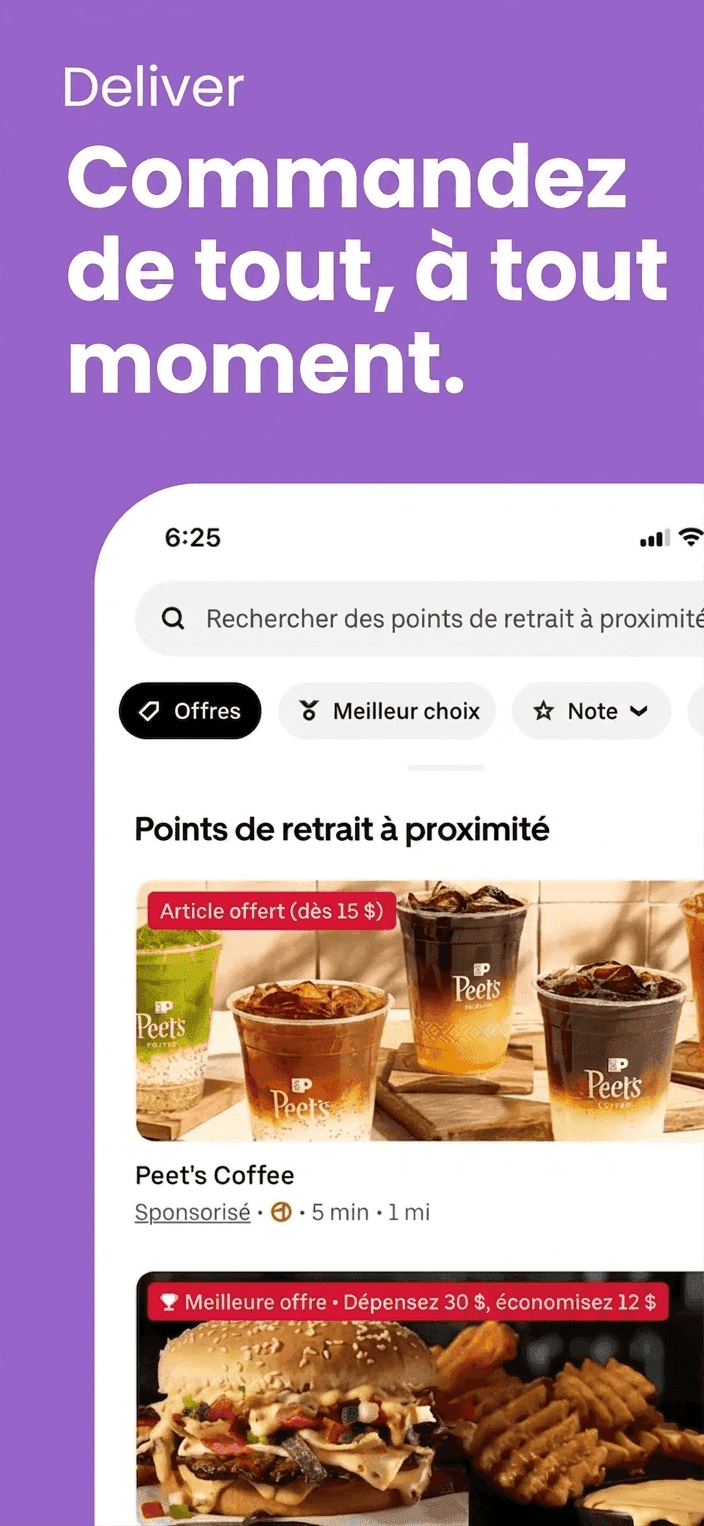
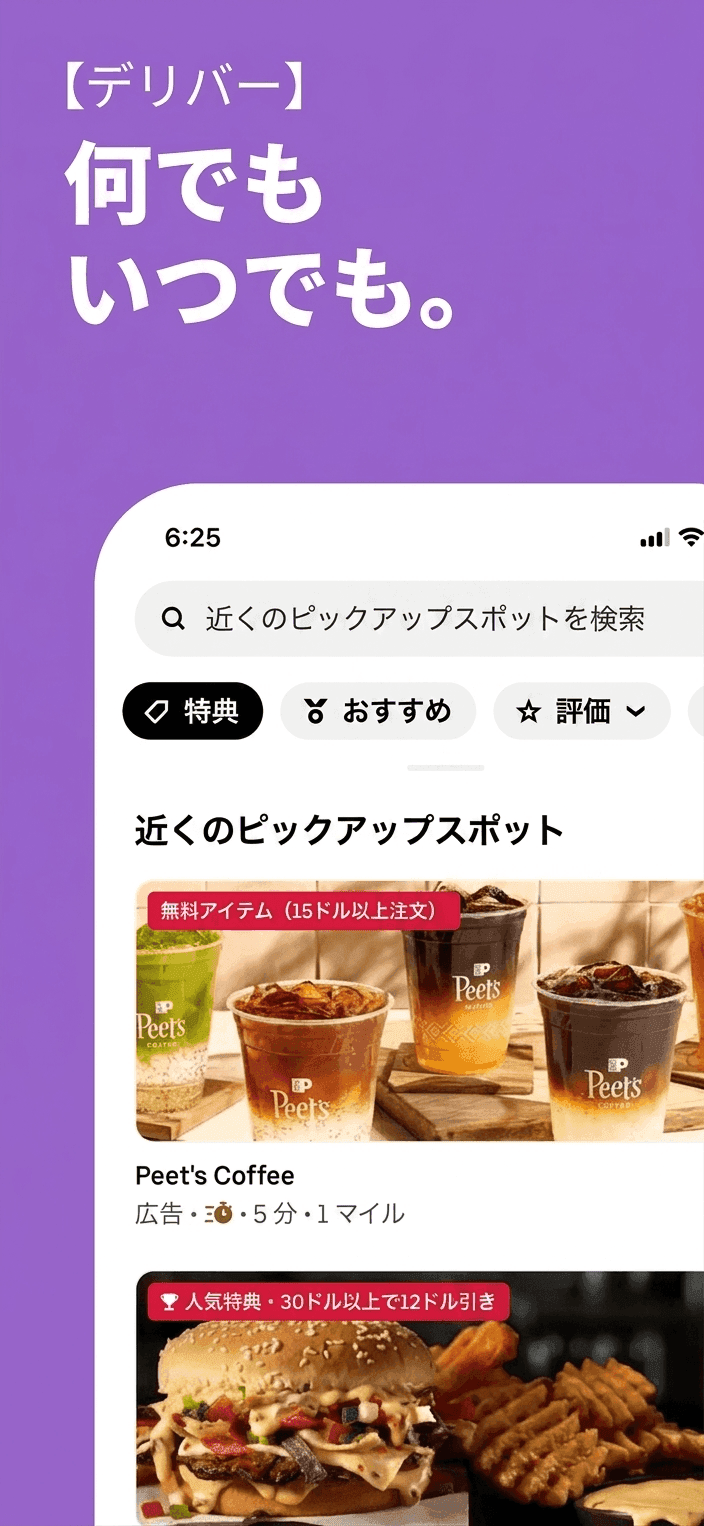
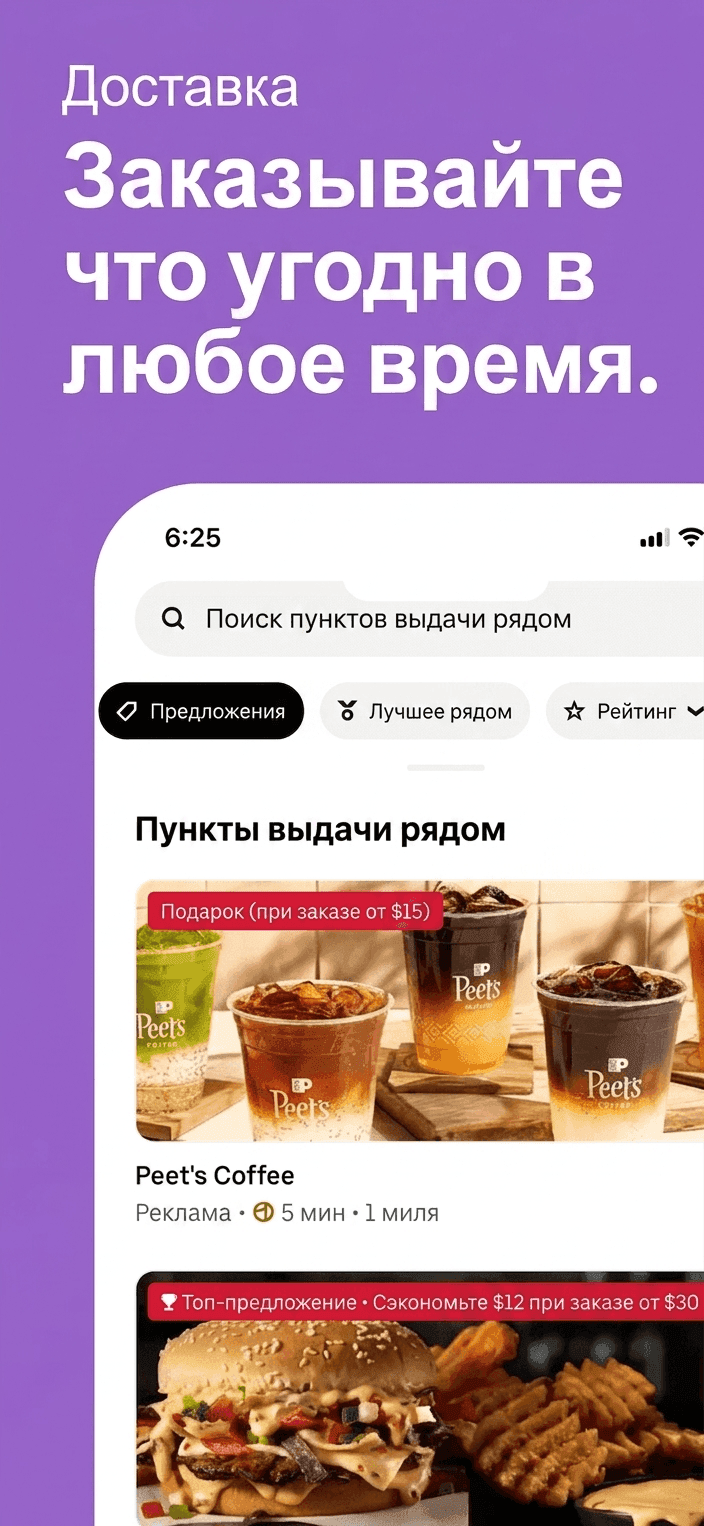
Localizing App Store screenshots is painful.
App Store Connect demands hand-crafted screenshots for every language and every device size. Manual translation takes days. And generic AI tools like ChatGPT and Gemini can't hold the required resolution — UI elements drift, aspect ratios break, and the result fails App Store review.
Manual is slow
Every screenshot, every language, every device size — by hand, by Figma, by translator hand-off.
Generic AI breaks layout
ChatGPT and Gemini produce nice text but distort UI, blur fonts, and shift the framing.
Resolutions never line up
Outputs come back at 1024×1024 or some random crop — never at App Store Connect's required size.
One screenshot in, every language out.
Drop your master screenshots, pick every store language. lokal translates the copy, redraws the UI with the right glyphs, and exports each frame at the exact App Store and Play Store resolution.
Bulk translation
Drop every master screenshot, pick every target language. One job, no copy-paste.
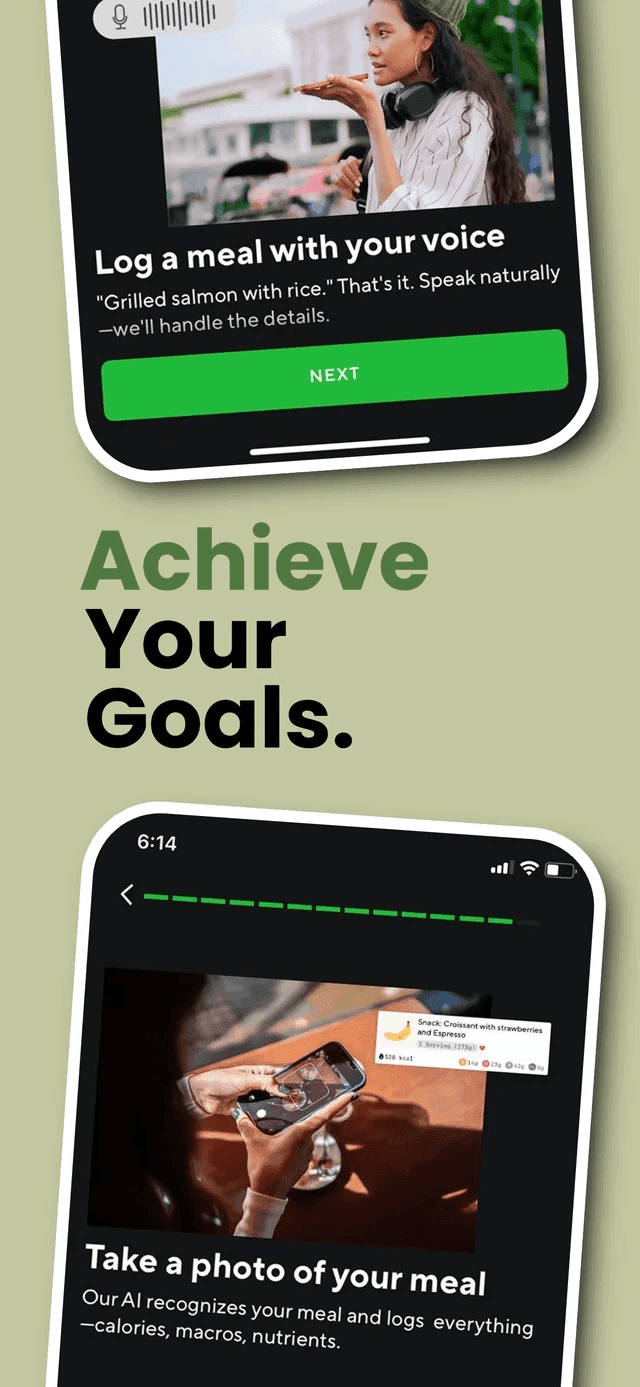 EN
EN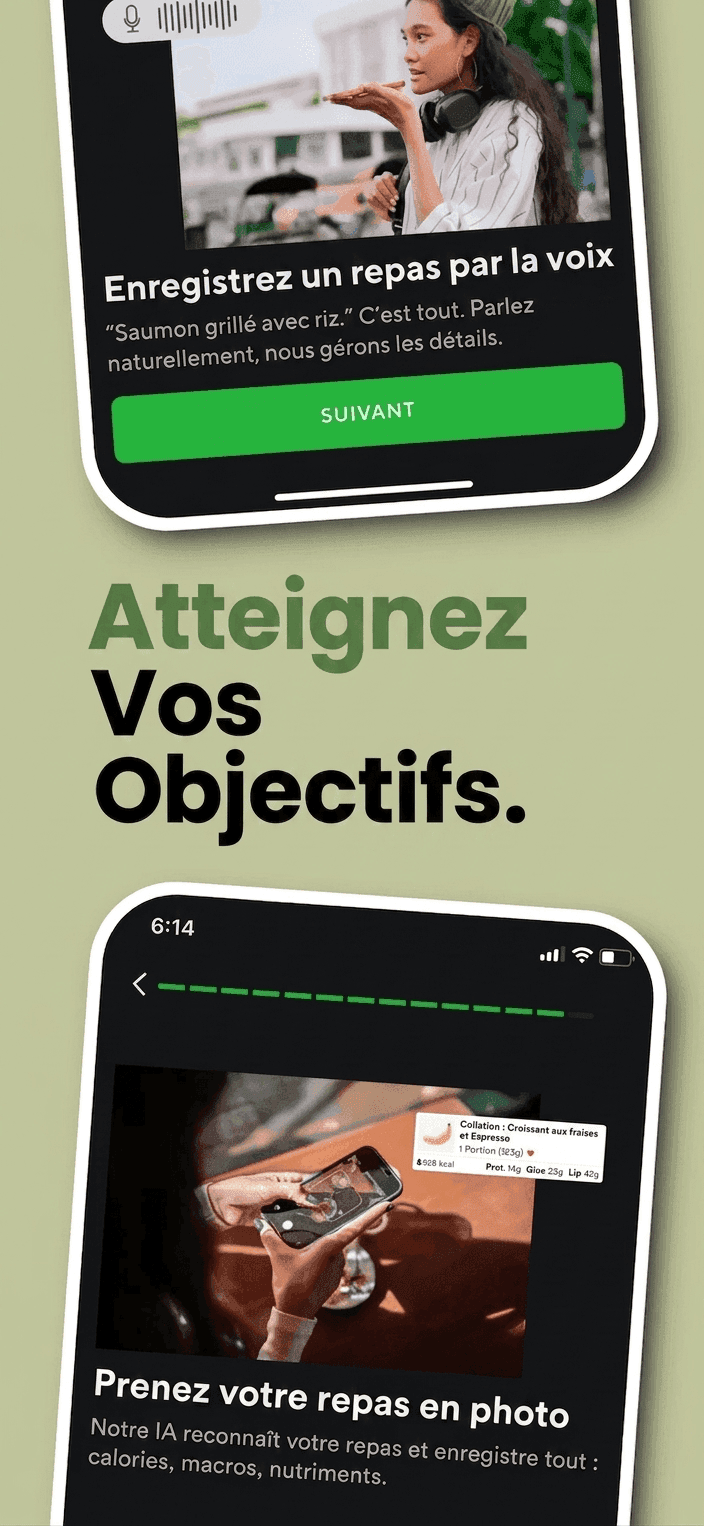 FR
FR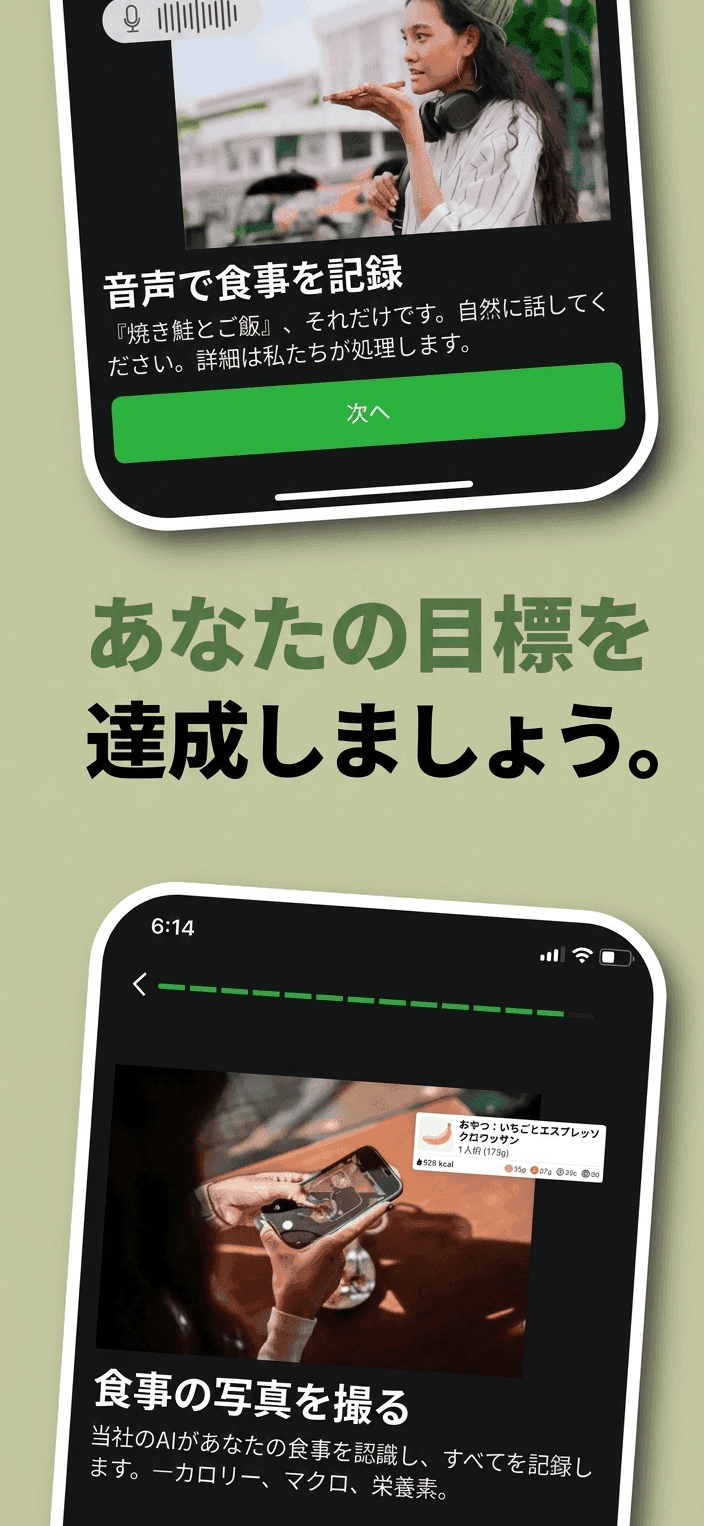 JP
JP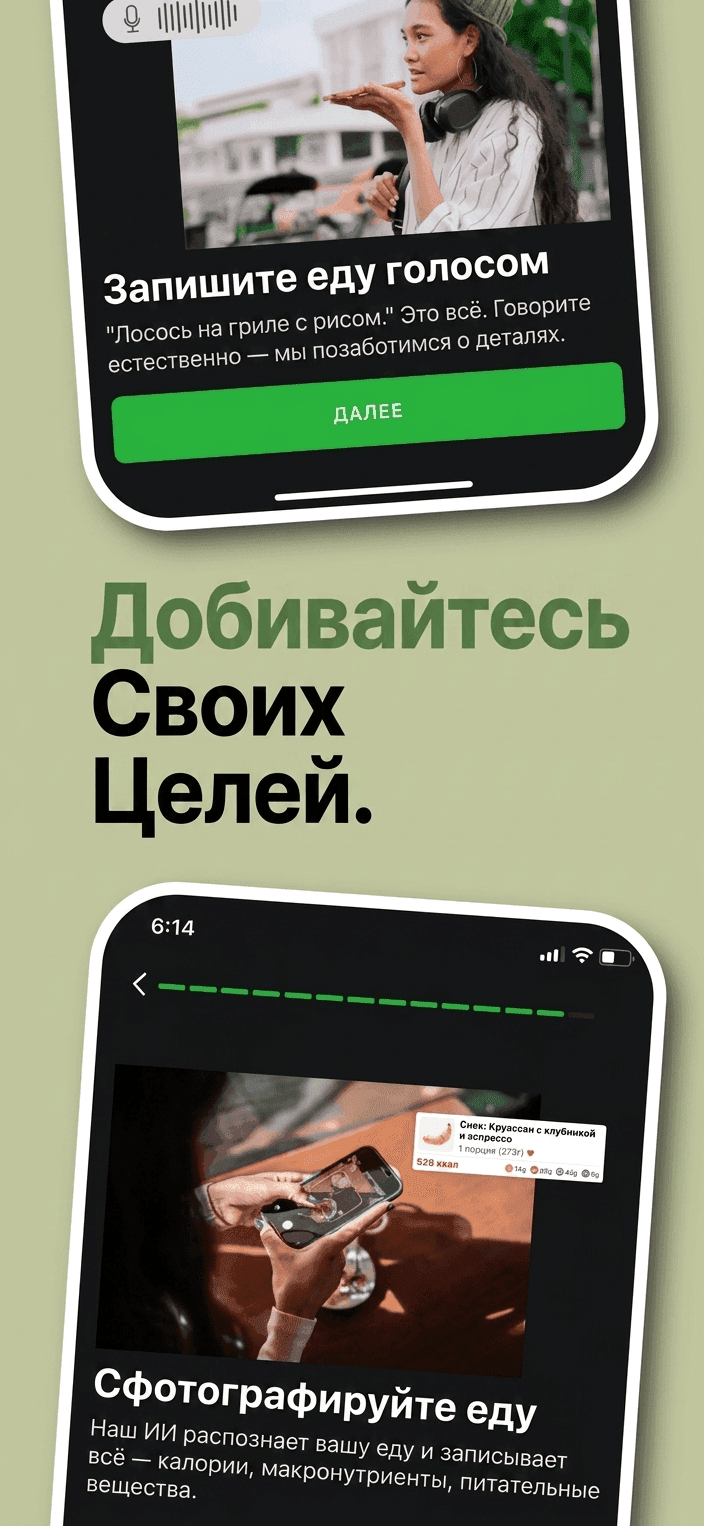 RU
RUPixel-perfect output
Every export comes out at the exact App Store and Play Store resolution. No upscaling, no crop.
Smart text fitting
Long German, dense Japanese, RTL Arabic — the layout flexes so nothing overflows the frame.
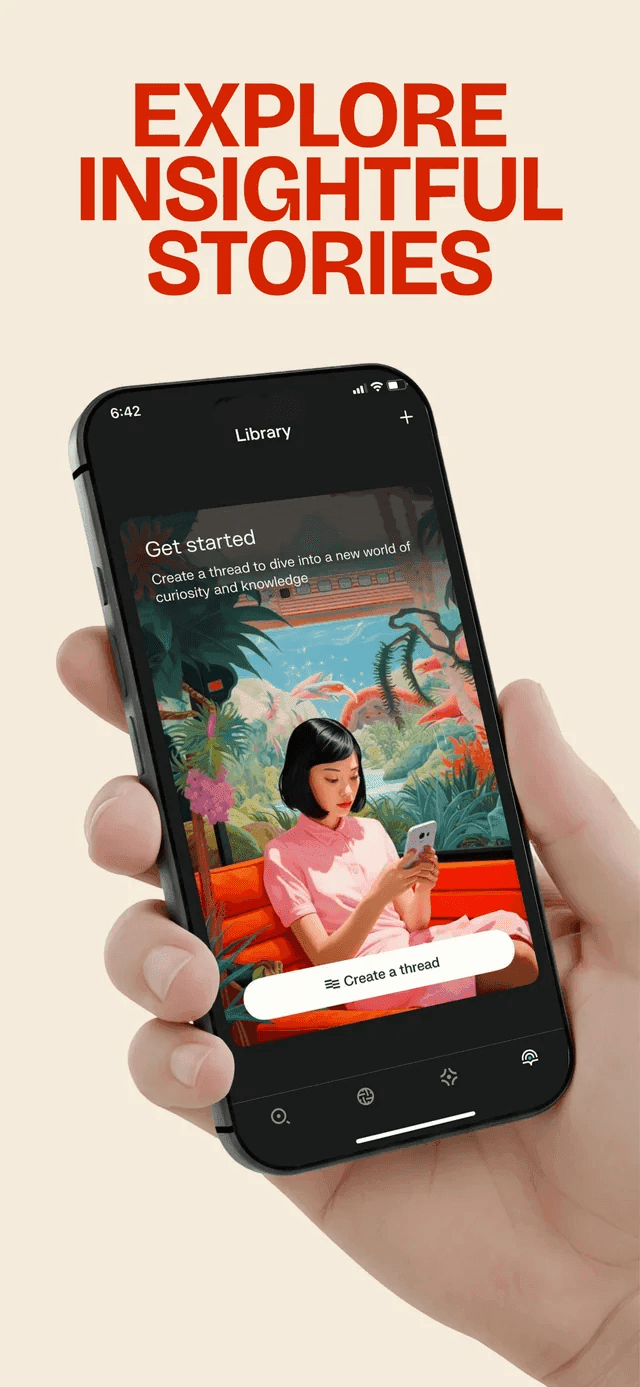 EN
EN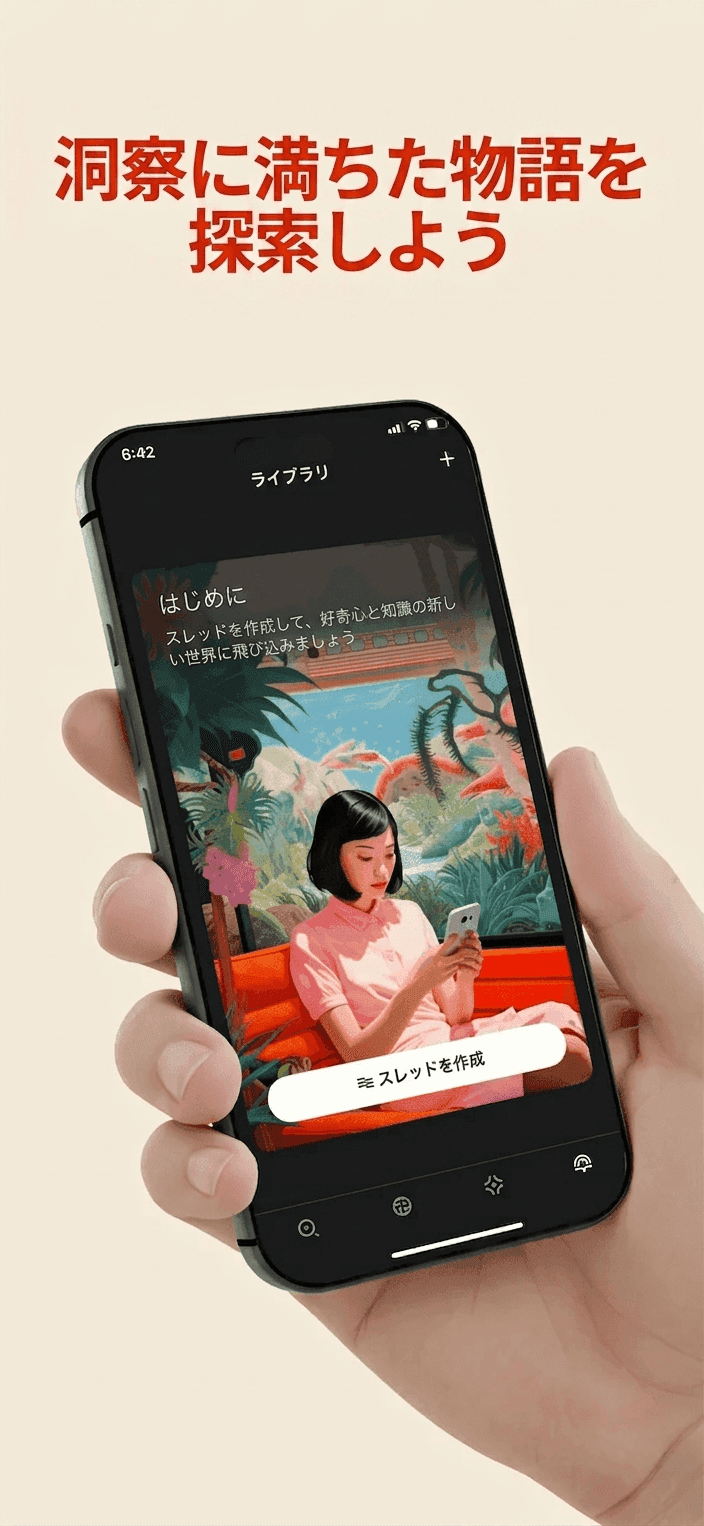 日本語
日本語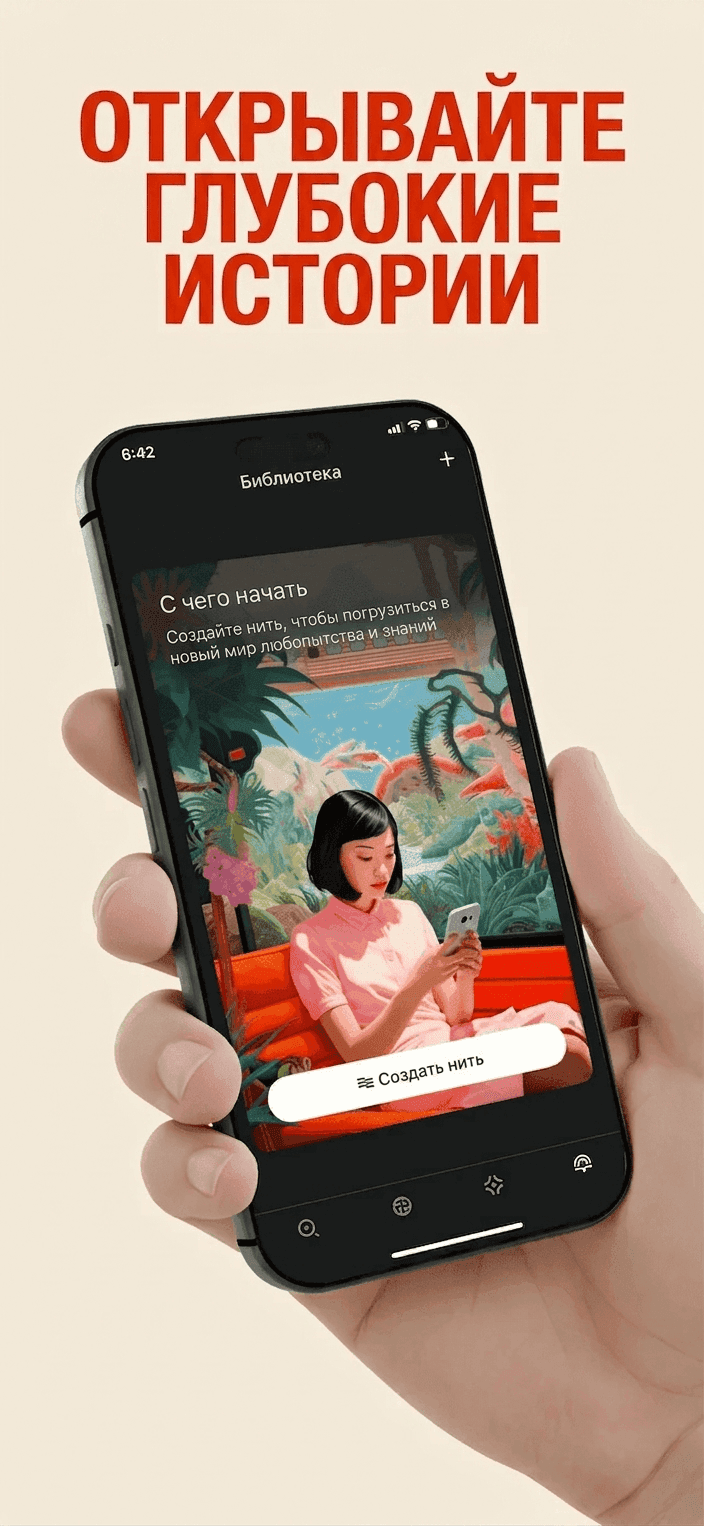 RU
RUHow it works
Three steps. Upload, pick languages, download a complete store pack.
- §01
Upload screenshots
Drop your master screenshots. Any device size — iPhone 16 Pro Max down to iPhone SE.
- §02
Pick languages
Select every store locale you ship to. Add or remove languages anytime.
- §03
Download localized set
Pixel-perfect translated screenshots, ready to drag into App Store Connect.
Every store locale that matters.
English, Spanish, French, German, Japanese, Korean, Chinese, Arabic, and more. Add or remove languages per project.
 English
 Spanish
 French
 German
 Italian
 Portuguese
 Japanese
 Korean
 Chinese
 Arabic
 Russian
 Hindi
Hindi Dutch
Dutch Swedish
 Polish
 Turkish
 Thai
Thai Vietnamese
 Indonesian
 Ukrainian
Powered by frontier image models
Choose per screenshot — speed, cost, or pixel-perfect accuracy.
Simple, credit-based pricing.
One credit equals one screenshot translated into one language. Cancel or change anytime.
27 browser-only utilities for shipping your app.
Design marketing screenshots, resize and compress images, wrap shots in devices, extract palettes, generate icons, favicons, QR codes, and more — all without an account and without a single upload.
Frequently asked questions
What resolutions do you export?+
lokal preserves the exact resolution of your master screenshot — iPhone 16 Pro Max (1320×2868), iPhone SE (750×1334) and everything in between. No upscaling, no aspect-ratio drift.
Why not just use ChatGPT or Gemini directly?+
General-purpose chat models don't enforce App Store resolutions and tend to redraw UI elements at the wrong size. lokal calls image models with the exact dimensions and layout constraints your store listing requires.
Which models can I use?+
GPT Image 2, GPT Image 1.5, Nano Banana 2, and Nano Banana Pro. Each has a different speed/accuracy/cost trade-off — switch per screenshot.
How accurate are the translations?+
Translations are produced by a frontier text model and re-rendered into the screenshot by an image model that respects the original layout. You can review and tweak any frame in the workspace before exporting.
Do you support Google Play and other stores?+
Yes — any 9:19.5 / 16:9 / device-native resolution is supported. App Store Connect, Google Play, and any custom store size.